
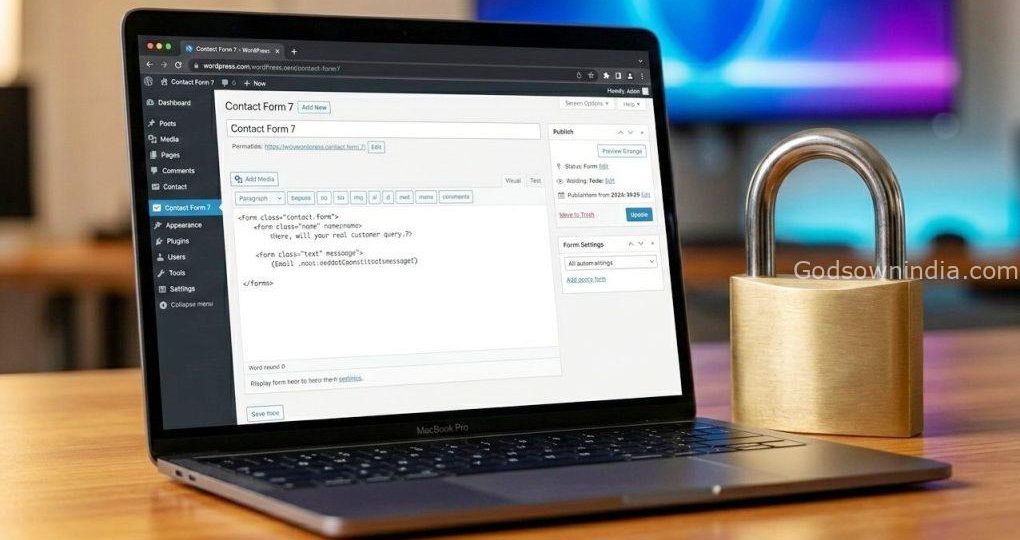
The Ultimate Guide: How to Completely Stop Contact Form 7 Spam
Have you ever found a message in your inbox that just screamed bot? “Hello, I am a very successful business person from… searchregister.info!” If you use Contact Form 7 (CF7) on your WordPress site, you’ve almost certainly seen this, or something like it. It’s frustrating. You’ve built a great website, set up a way for real people to connect with you, and instead, you’re drowning in a sea of nonsensical spam.
The worst part? These bots can sometimes be surprisingly smart. Even with good plugins, they find a way. You might already have a whole arsenal—Advanced Google reCAPTCHA, Akismet Anti-spam, Wordfence Login Security, Wordfence Security, WPS Hide Login, and even an Image CAPTCHA. And yet, that persistent “searchregister.info” bot still gets through.
Don’t panic! The problem isn’t that your plugins are bad. It’s that bots are constantly evolving to find specific loopholes. You don’t need to spend a penny on premium solutions. The good news is that we can defeat them by being a little smarter and using the powerful, free tools we already have in new ways. Let’s get that bot-catcher built!
Why Is a Bot Like “searchregister.info” So Persistent?
Before we jump into the solutions, it’s helpful to understand the enemy. Bots like this are automated scripts. They don’t fill out your form like a human. They scan thousands of sites, looking for the wp-contact-form-7 structure, and then they use their own script to “submit” the form data directly to your server, often bypassing the visible form completely.
This is why reCAPTCHA v2 (the one where you click “I’m not a robot”) can sometimes fail. A smart bot doesn’t even “see” the CAPTCHA; it just injects the data. Our strategy, then, is to create barriers that a simple script can’t understand or bypass.
5 Powerful, Free Ways to Stop Contact Form 7 Spam Bots
We’re going to layer our defenses. Each of these methods adds another obstacle. You can start with the first one and add more if needed. For a tough case like “searchregister.info”, I recommend doing at least the first two.
1. The Honeypot: The Sneakiest, Easiest Fix
This is your most effective weapon. A “Honeypot” is a trap for bots. You create a form field that is invisible to human users but looks like a perfectly valid field to a bot’s script. The bot, thinking it needs to fill in every field, will fill it out. When your server receives the form, it checks this hidden field. If it’s filled, it knows a bot submitted it and automatically blocks the message.
How to Do It:
- Install the free “Honeypot for Contact Form 7” plugin.
- In your CF7 form editor, you’ll see a new “Honeypot” button.
- Click it and a tag generator will pop up.
- CRITICAL: In the “Name” field, don’t use the word “honeypot”. Use something generic like
user-id-codeorverification-id. This makes it look like a real field. - The plugin will generate a tag, something like
[honeypot user-id-code]. Paste this anywhere in your form.
Why It Works: A script that only reads HTML can’t tell this field is hidden. Humans, however, won’t see it and won’t fill it in. Boom! Bot caught.
2. The Disallowed Keys List: Block Them by Name
This is a powerful, built-in WordPress feature that many people forget about. You can create a “blacklist” of words or phrases. If a message contains any of these, WordPress will treat it as spam. This is perfect for blocking specific offenders like searchregister.info.
How to Do It:
- Go to Settings > Discussion in your WordPress dashboard.
- Scroll down to the “Disallowed Comment Keys” section (it’s a large text box).
- Add
searchregister.infoto the box. You can also add other common spam phrases, each on a new line. - Save your changes.
Why It Works: CF7 is smart and uses this WordPress core functionality. When a form is submitted, it checks the message content against this list. If it finds a match, it stops the message from ever being sent. For more advanced configurations, check out the Contact Form 7 documentation on anti-spam.
3. Add a Simple, Brain-Teasing Quiz
Sometimes, reCAPTCHA is a bit much for a simple form. A great alternative is a simple text quiz. This asks a question a bot can’t easily answer but any human can.
How to Do It:
- In the CF7 form editor, click the “Quiz” button.
- The tag generator will appear.
- Enter your question and answer, separated by a pipe (
|).- Example 1:
2+5 is? | 7 - Example 2:
The capital of India? | New Delhi
- Example 1:
- Insert the generated tag, which looks like
[quiz quiz-123 "2+5 is? | 7"], before your submit button.
Why It Works: While some advanced bots can solve simple math, many are not programmed to handle a specific question format like this. It requires semantic understanding, which is a big hurdle for basic scripts.
4. Set Up Wordfence Rate Limiting (Free Version)
Your existing Wordfence Security plugin has a fantastic free feature called Rate Limiting. This is designed to stop bots that try to abuse your site by sending many requests very quickly—exactly what spam bots do.
How to Do It:
- Go to Wordfence > Firewall > All Firewall Options.
- Look for the “Rate Limiting” section.
- Enable it. You can configure options like:
- “If anyone’s requests exceed…”: For example, 50 requests per minute.
- “If a crawler’s requests exceed…”: For example, 100 requests per hour.
- Set a reasonable limit. This stops a bot from “brute-forcing” your form with hundreds of submissions.
Why It Works: Human users won’t fill out a form that quickly. A bot script, however, might try to submit the form 50 times in one second. Wordfence will detect this and temporarily block the IP address, stopping the spam in its tracks.
5. Make Sure Akismet Is Properly Integrated
You have Akismet Anti-spam installed, but are you sure it’s actually checking your form? For CF7 to use Akismet, you need to add specific code to your form fields.
How to Do It:
- First, get your free Akismet API Key: Go to the Akismet website to sign up for a personal plan and follow the instructions to get your free API key. Add it to the Akismet settings in your WordPress dashboard.
- Edit your CF7 form: You need to add
akismet:authorandakismet:author_emailto your name and email fields. Your form code should look something like this:[text* your-name akismet:author][email* your-email akismet:author_email]
- Save your form.
Why It Works: Akismet is a massive, constantly updated database of known spammer information. By adding these tags, you’re telling CF7 to send the submission data to Akismet for a check. If it’s a known spam email or name, Akismet will flag it, and CF7 will block it.
Wrap Up: Reclaim Your Contact Form
You don’t have to live with a contact form full of bot messages. By combining these five free and powerful methods—especially the Honeypot and the Disallowed Keys List—you can effectively build a fortress around your Contact Form 7. You’ve got the tools; now it’s time to use them and send “searchregister.info” packin’!
Try implementing the Honeypot and Disallowed Keys List first. You’ll likely see a massive, if not total, reduction in spam. For extra peace of mind, make sure Akismet is properly set up. Let me know in the comments if this worked for you!
#Contact Form 7, #Anti-Spam, #WordPress Security, #reCAPTCHA, #Honeypot, #searchregister.info, #WordPress contact form spam, #block searchregister.info, #Honeypot for Contact Form 7, #Akismet CF7 integration, #Wordfence rate limiting, #free anti-spam plugins WordPress.